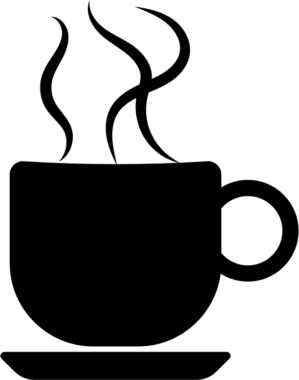
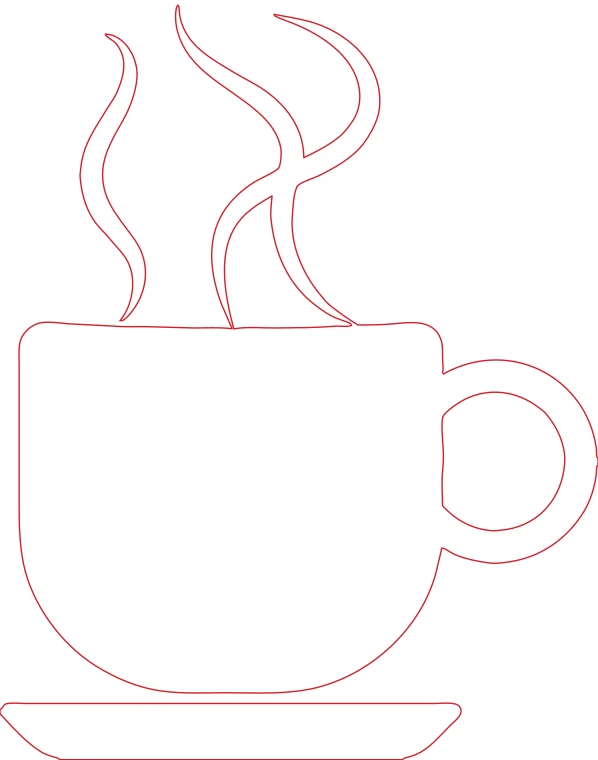
Coffee cup with steam, sent through WhatsApp: the compression halos disappear in the outline.
Download example SVG (5 kB)Download example DXF (76 kB)
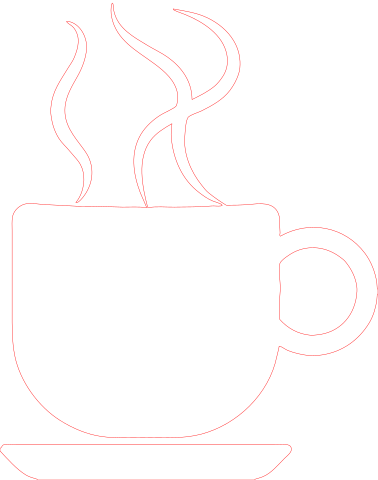
Source image: Openclipart, GDJ, CC0 1.0.
Most image vectorizing tools fail on a low-quality JPG. This one runs AI upscaling first, so a blurry image from a chat can still give clean outlines.
Each pair is an actual conversion of a public domain image, with the settings listed under it. You can download the exact files.
Coffee cup with steam, sent through WhatsApp: the compression halos disappear in the outline.
Download example SVG (5 kB)Download example DXF (76 kB)
Source image: Openclipart, GDJ, CC0 1.0.
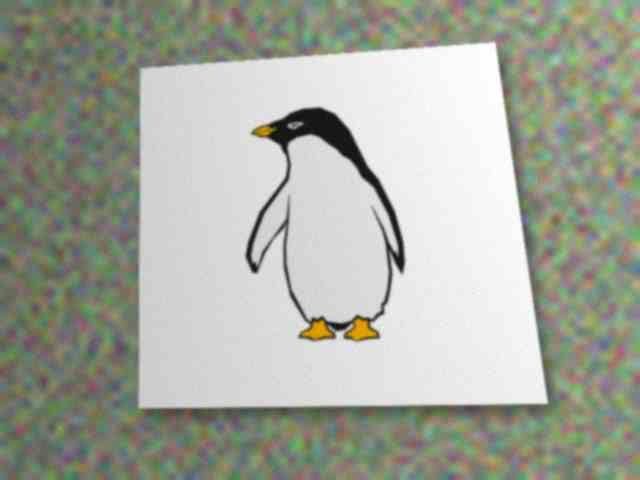
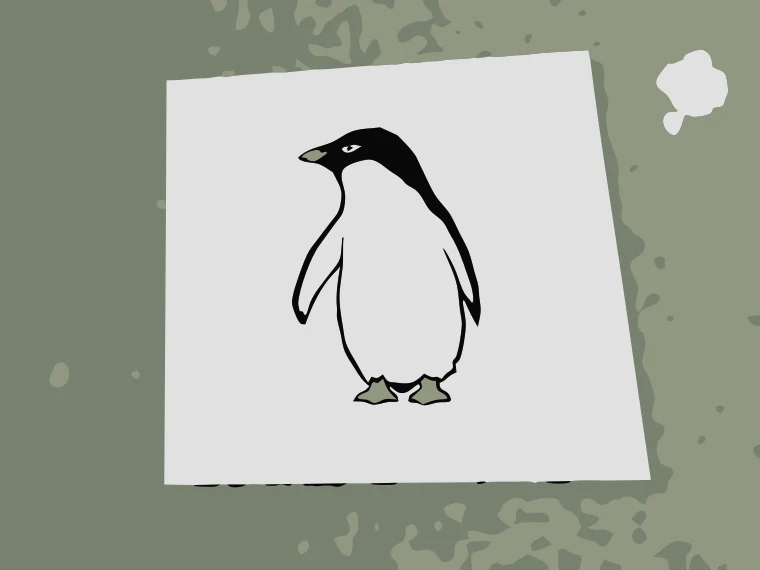
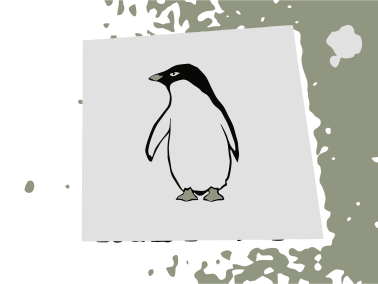
Penguin photographed as a sticker, in 3 colors.
Download example SVG (34 kB)Download example DXF (230 kB)
Source image: Openclipart, WinBen52, CC0 1.0.
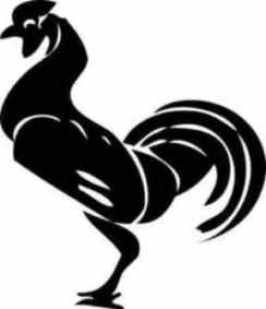
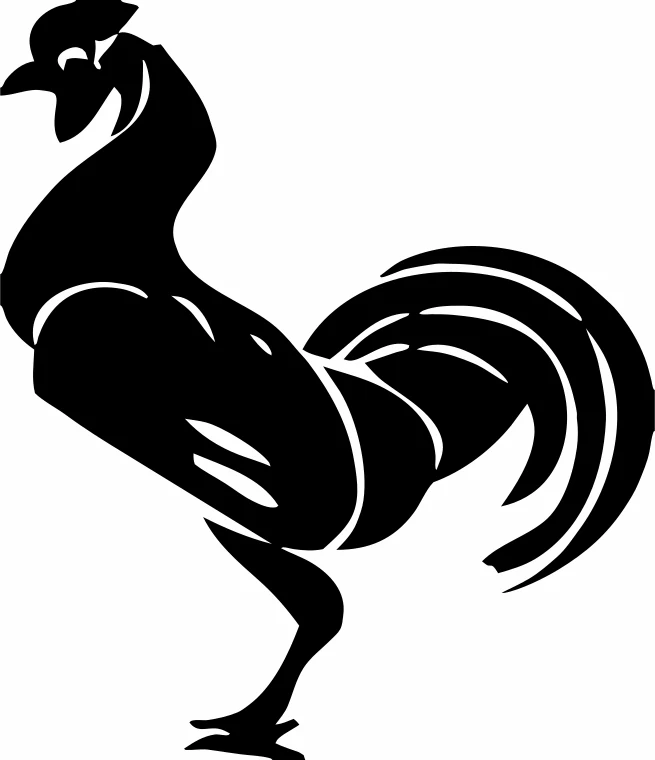
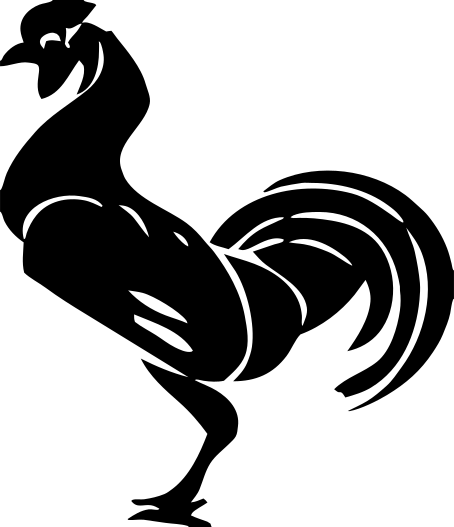
Rooster image forwarded several times, traced in one color.
Download example SVG (9 kB)Download example DXF (110 kB)
Source image: Openclipart, johnny_automatic, CC0 1.0.
Free sample files, not watermarked.
You decide the output here: pick the laser profile for DXF cuts or the Cricut / Silhouette profile for color layers.
A chat app shrinks and recompresses images to save data, and every forward does it again. The result is a small JPG with soft edges and blocky halos. A direct tracer follows those halos and returns wobbly shapes.
Before tracing, an AI upscaler enlarges the image and rebuilds clean edges. Then the colors are reduced and the contours are traced. The result is closer to what the artwork looked like before the compression. It cannot invent details that are gone: if the source is a smear, the outline will be a smooth smear.
Flat drawings, logos, silhouettes and lettering. Photographs of people do not have outlines to trace.
See the privacy page for what we keep and for how long.
JPG, PNG, WEBP, GIF, BMP and HEIC, up to 10 MB.